Quickstart
Installation
For an editor with syntax highlighting, autocomplete and diagnostics, also install the CodeMirror or Monaco bindings (see CodeMirror):
Prerequisites
The engine runs the Typst compiler in a Web Worker. That worker pulls in two
companion assets - onykia_worker.js and onykia_engine.wasm (~30 MB) - and it
uses SharedArrayBuffer for its thread pool. So your app has to satisfy two
requirements:
- The worker and wasm must be served from a URL the browser can reach.
createWasmFactory()finds them for you (see below). - The page must be cross-origin isolated, or
SharedArrayBufferis unavailable and the compiler throws on boot.
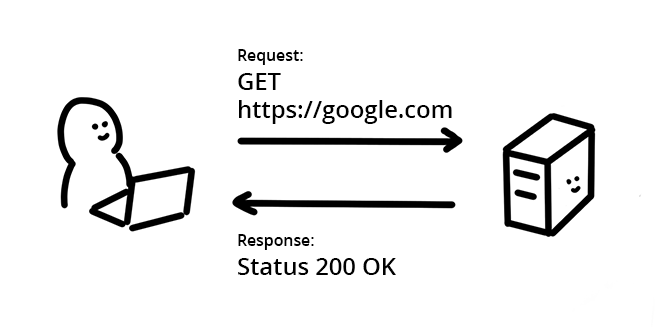
(c) Mariko Kosaka @ Google 1
Cross-origin isolation
Every response from your app must carry these two headers. Without them
SharedArrayBuffer is undefined and createWasmFactory() throws a
cross-origin-isolated error.
See Vite for the config, including a SvelteKit/Nuxt caveat.
Usage
A minimal, end-to-end setup:
After setMain, any create/edit/move/delete to the main file or a
dependency re-compiles and re-fires onPages automatically - you never trigger
a recompile yourself. setTarget only picks what export() produces; the canvas
path works under any target, so 'svg' is the lightweight choice for a
preview-only setup.
Where do the asset URLs come from? createWasmFactory() defaults to
new URL('./wasm/onykia_worker.js', import.meta.url) (and the same for the
wasm), resolved against the engine's own module. Any import.meta.url-aware
bundler turns that into a real, fingerprinted URL and ships the assets for you.
Some bundlers (notably Vite production builds) inline the worker and break it. When that happens, self-host the assets and pass explicit URLs - see Vite.
The matching files live in node_modules/@mudomi/onykia-engine/dist/wasm/.
To make it editable, push changes with core.edit(path, edits). The
CodeMirror bindings wire that up for you.
Exporting
core.export() returns a downloadable artifact, independent of what you preview:
pdf and html export the whole document; svg and png take a zero-based
page index. See Rendering for the full matrix.
Next steps
- Vite - config and the cross-origin isolation headers.
- Rendering - canvas, SVG, PNG, PDF and HTML strategies.
- CodeMirror - full editor integration.
- Fonts - register fonts and load them lazily.
- Packages - resolve
@previewand private packages.
Footnotes
-
This image, from this web.dev article, was created and shared by Google and used according to terms described in the Creative Commons 4.0 Attribution License. ↩